Takealot Integration
Sync inventory levels, products and sales. Automate pricing to win the Buybox. Generate in-depth analytics reports.


Automate Buybox
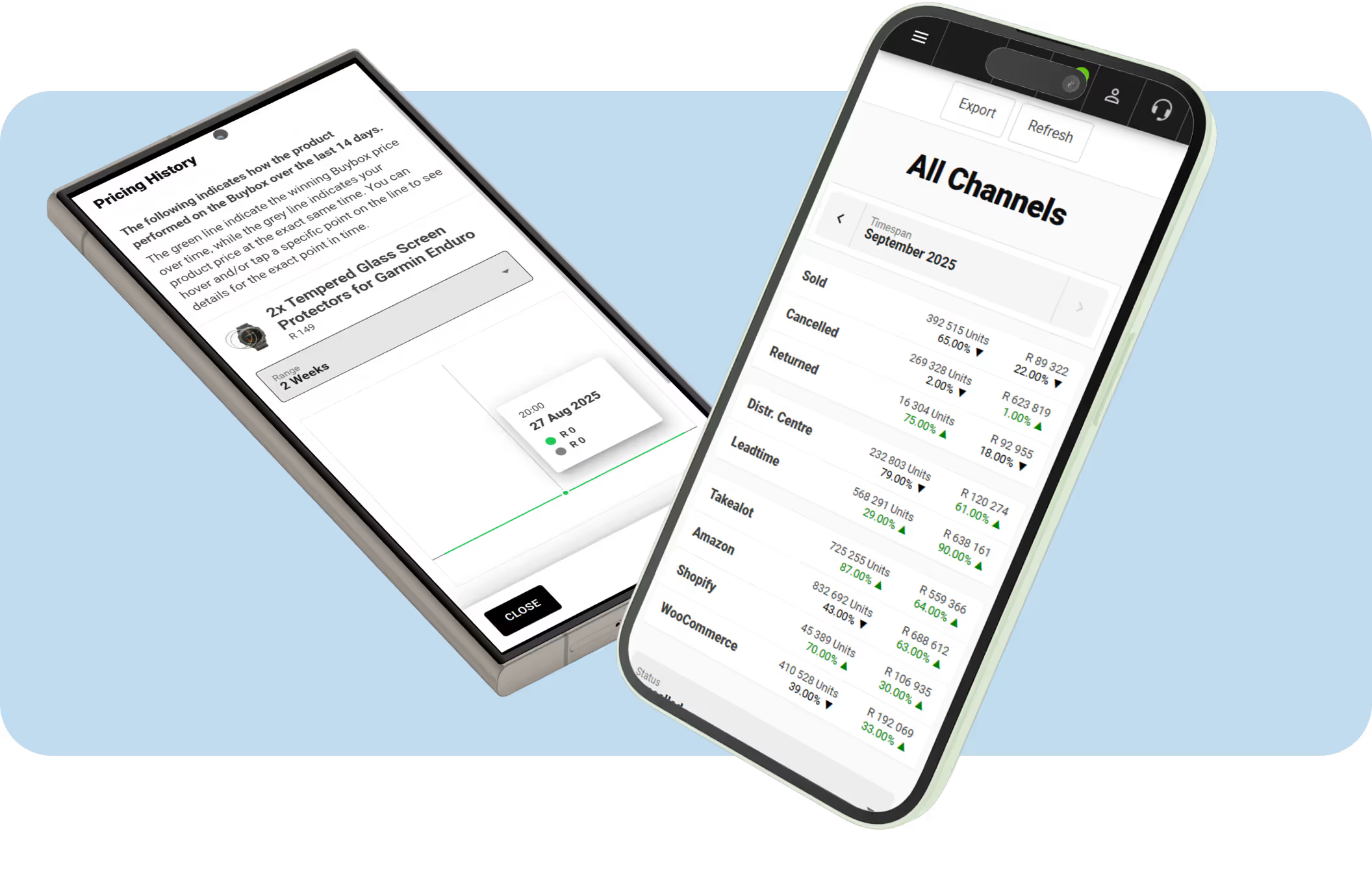
The repricing tool (Buybox Tracker) automatically updates your product prices to compete against other marketplace sellers. With customisable rules, it ensures your prices stay competitive while protecting your profit margins — all without manual effort.
Learn more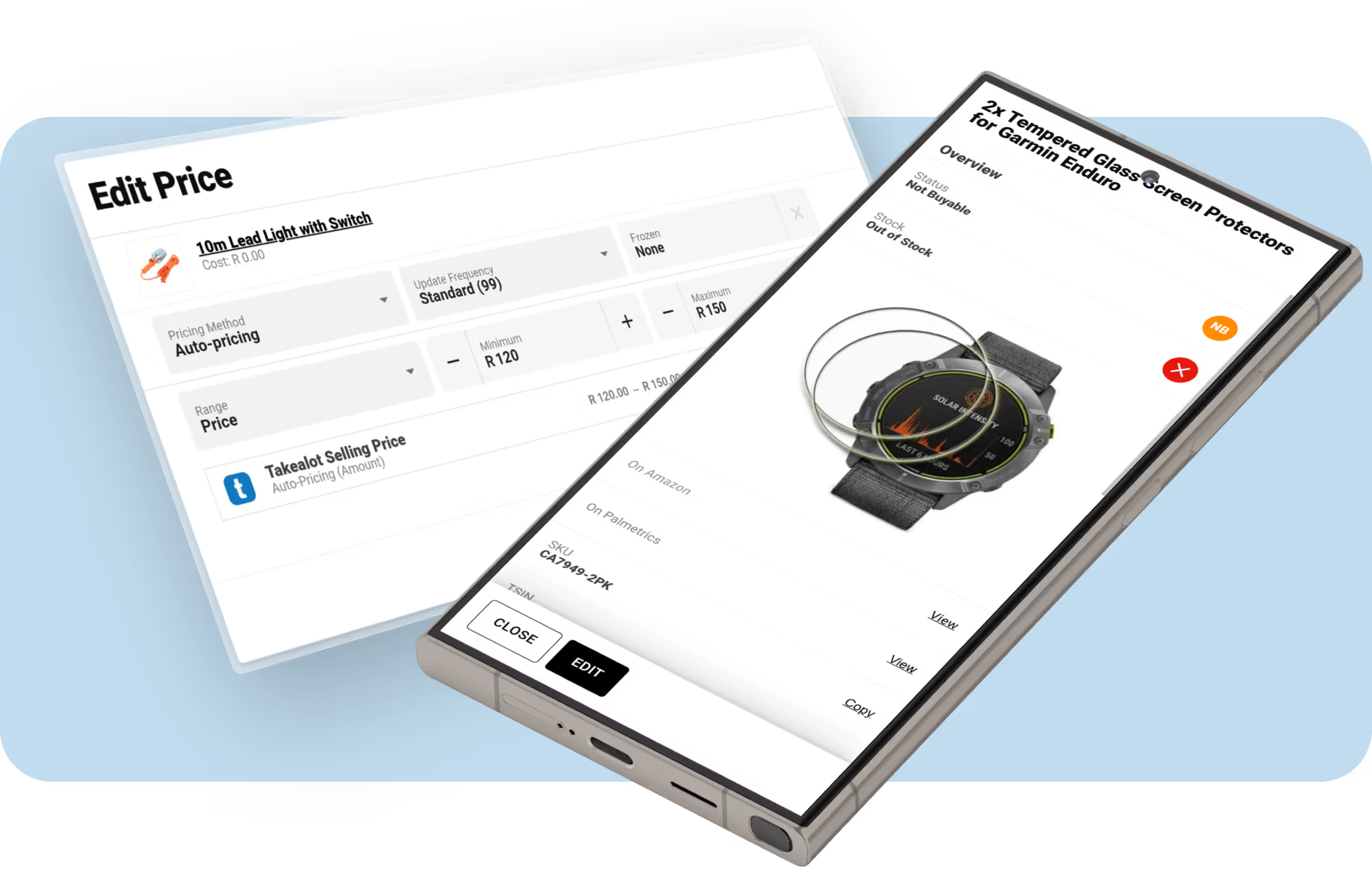

Sales Analytics
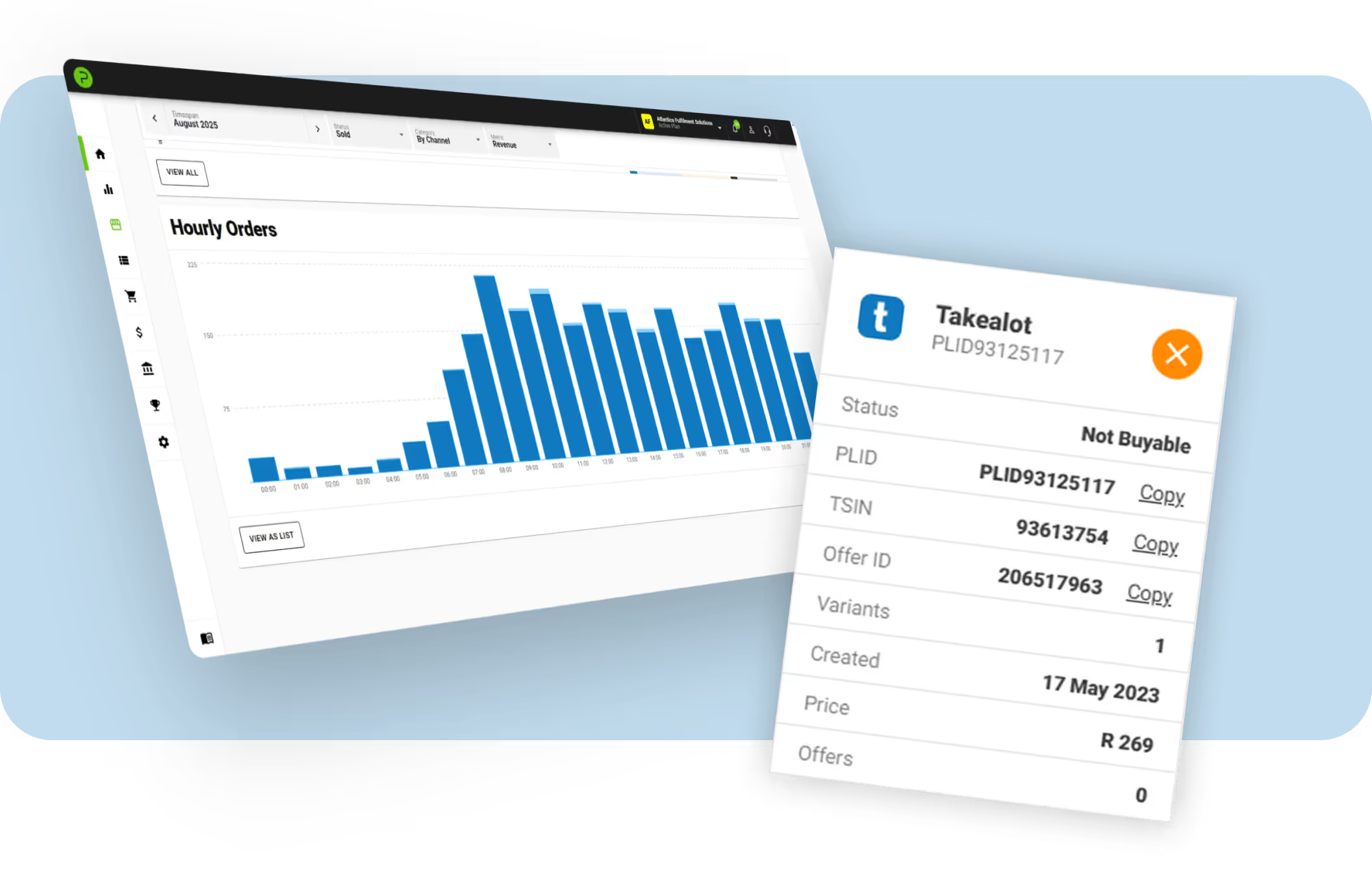
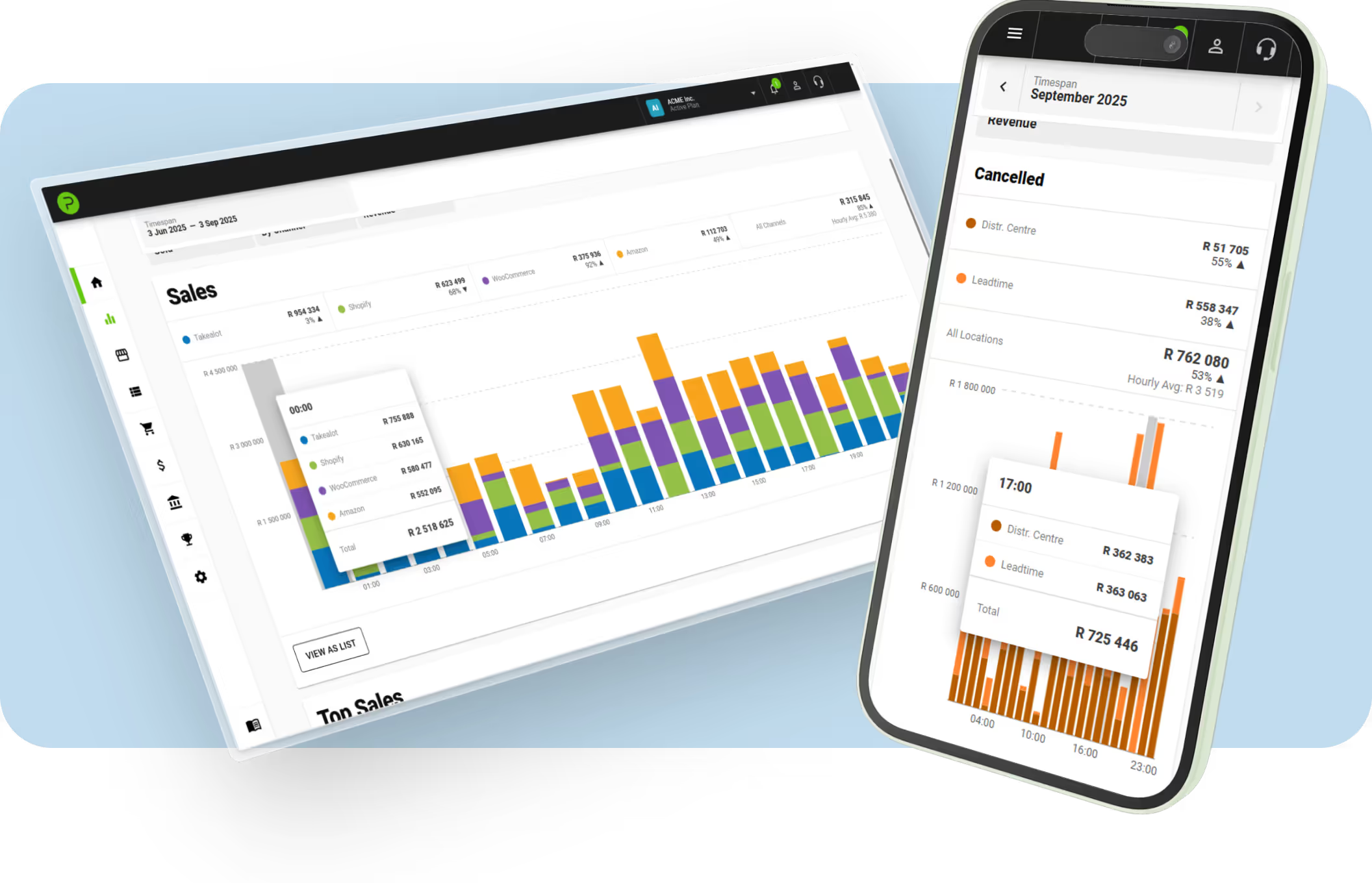
Unlock valuable insights by comparing sales performance between Takealot-specific metrics, or by comparing it to other sales channels.

Manage Stock
Avoid overselling by ensuring all your platforms are kept up to date as stock levels change.

Sync Products
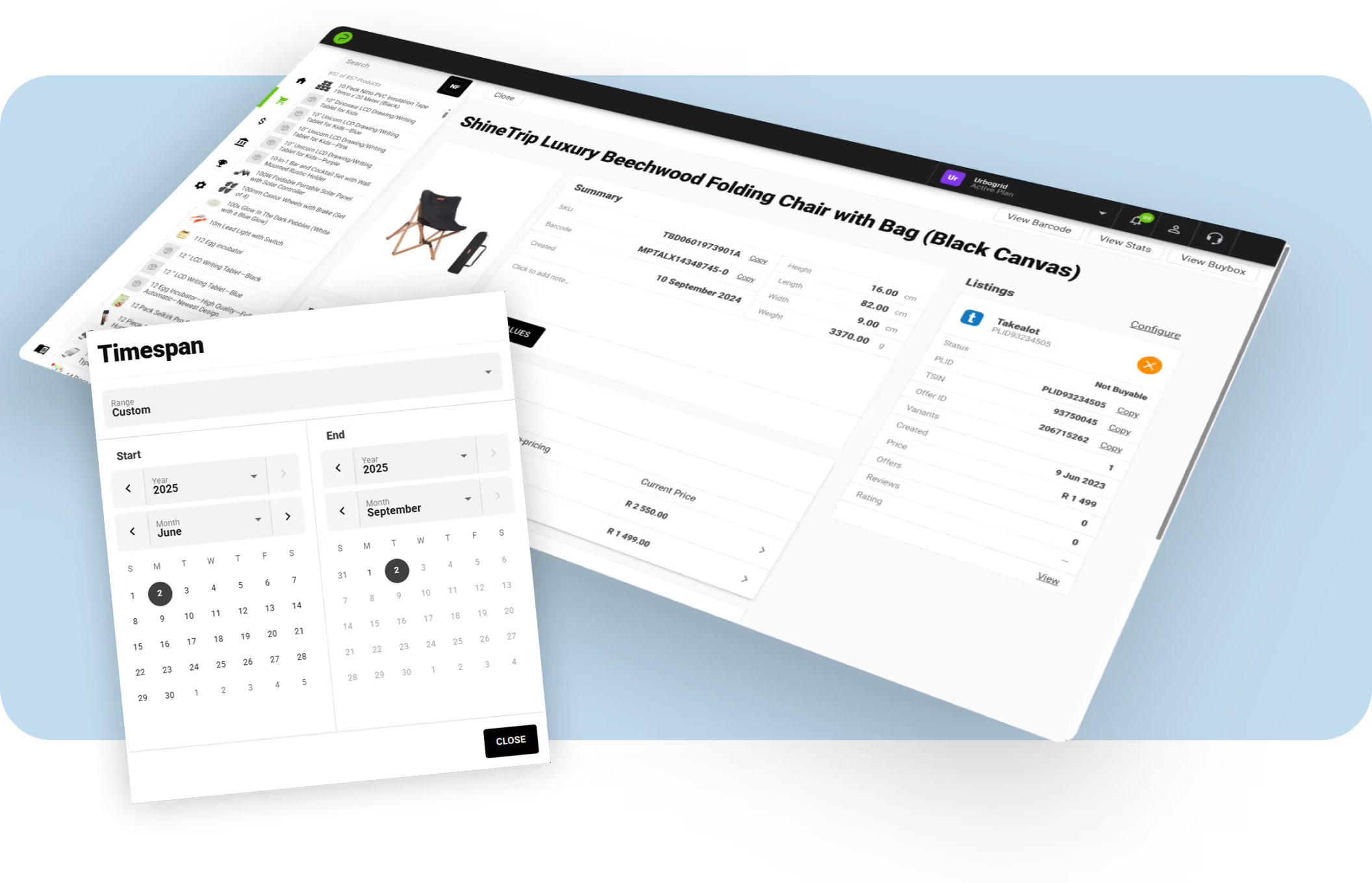
Update prices and stock levels from Palmetrics. Combine listings from multiple channels into one product on Palmetrics.

Calculate Costs
Automatically calculate profit after deducting marketplace fees and costs. See all your orders from all your channels in one place.
Frequently Asked Questions
Can I set up my own integration?
Are there any setup fees?
How long does it take to get started?
Do I need to use the Palmetrics dashboard?
How often does Palmetrics sync with integrations?
Is it possible to sync historical data?
Integrate Takealot with other channels
Keep all your platforms in sync with Palmetrics.






















Plans & Pricing
Free 30-day trial. No credit card required.
Plans start from R224.25/month (incl. VAT)