

Appearance
Introduction
Learn how to enable auto-pricing for a product by setting a minimum and maximum price range, and explore the additional features available to customise your repricing strategy.
Step 1 of 8
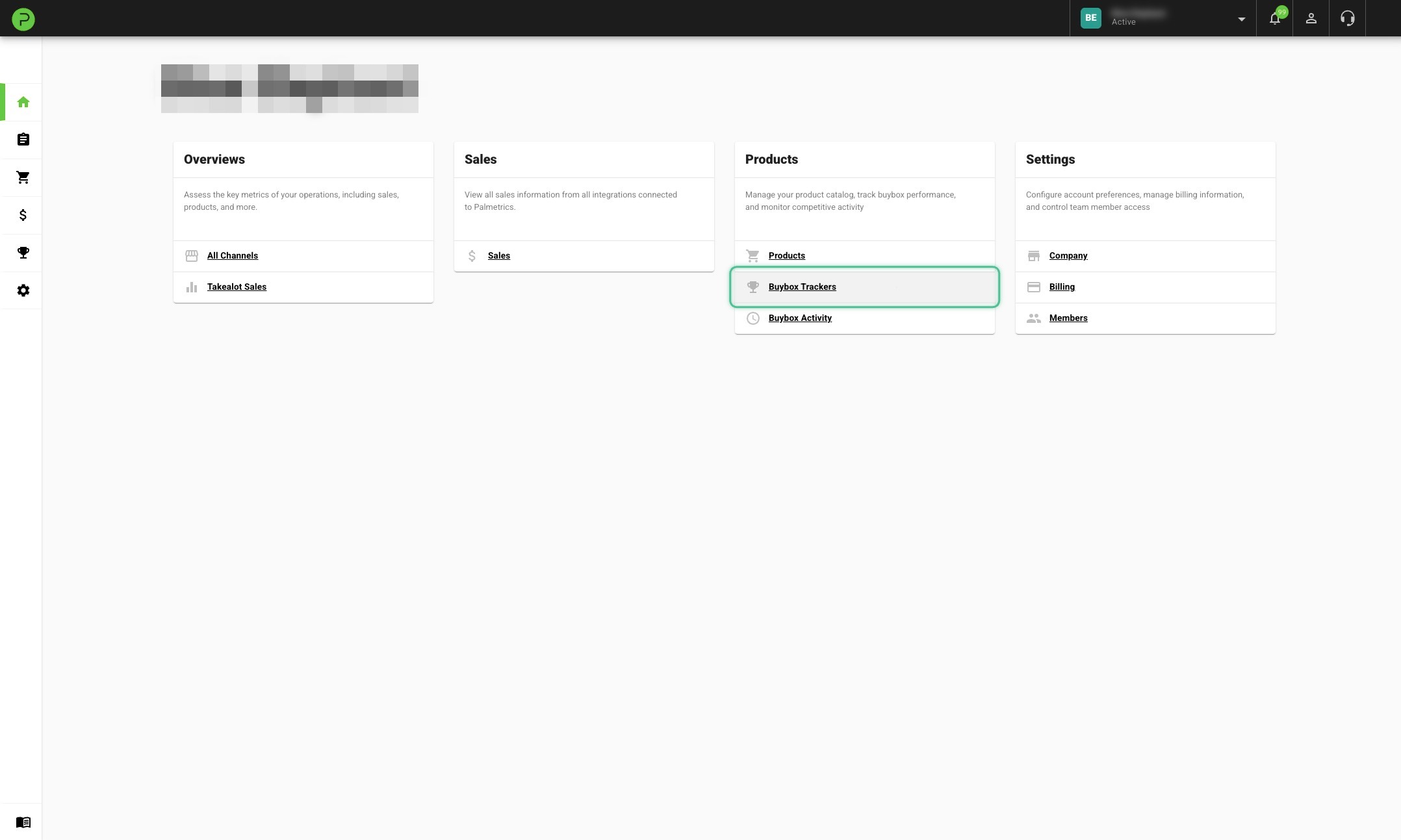
Click on Buybox Trackers
There are a lot more features available
We just covered the most basic setup, but there are a lot more features available to customise your experience.
Price Change History
View a log of all price changes made by auto-pricing, filterable by product.
Faster Frequencies
Increase the price-check frequency from every 20 minutes to every 10 or 6 minutes.
Markup-Based Repricing
Set your min and max as a markup percentage on top of your product cost, instead of fixed Rand values. The price range adjusts automatically when costs change.
Freeze Price Changes
Temporarily pause price changes on a single product without disabling auto-pricing, with an optional resume date/time.
Fastest Delivery Buybox (Global)
When you're the only in-stock offer, configure how much more expensive you'd like to be compared to the cheapest lead-time competitor.
Minimum Price Reset (Global)
Automatically reset products to their max price when they reach the minimum, giving competitors a chance to raise their prices too.
Daily Price Reset (Global)
Automatically reset all products to their max price early each morning to restart the bidding cycle daily.
Bulk Update via CSV
Download, edit, and re-upload a CSV to make changes to many products at once.